.png?w=1536&h=1024&q=70)
.png?w=1536&h=1024)
Mesh Count Explained: 80 vs 120 vs 250
Jan 06,2026 | 4XTRON
H1: Mesh Count Explained: 80 vs 120 vs 250 (Fabric, Paper, Wood & Plastisol)
Mesh count is one of the fastest ways to improve print quality—without buying a new machine.
Here’s the mental model (and it’s true 90% of the time):
• Lower mesh (80) → more ink through the screen → bolder coverage, better on rough surfaces
• Mid mesh (120) → balance of coverage + detail → the “default” workhorse
• High mesh (250) → less ink deposit, more detail → great for fine lines and smooth substrates
But mesh count alone doesn’t decide everything. Ink system + fabric texture + artwork style can change the “right answer.”
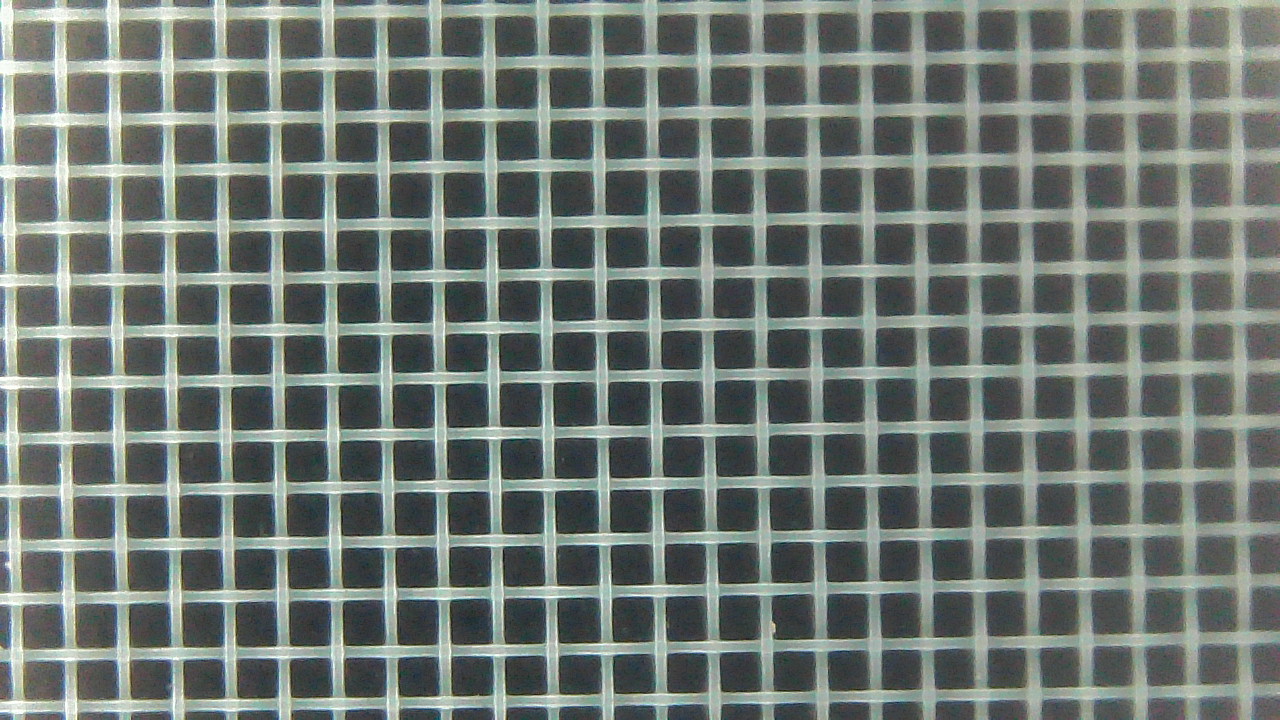
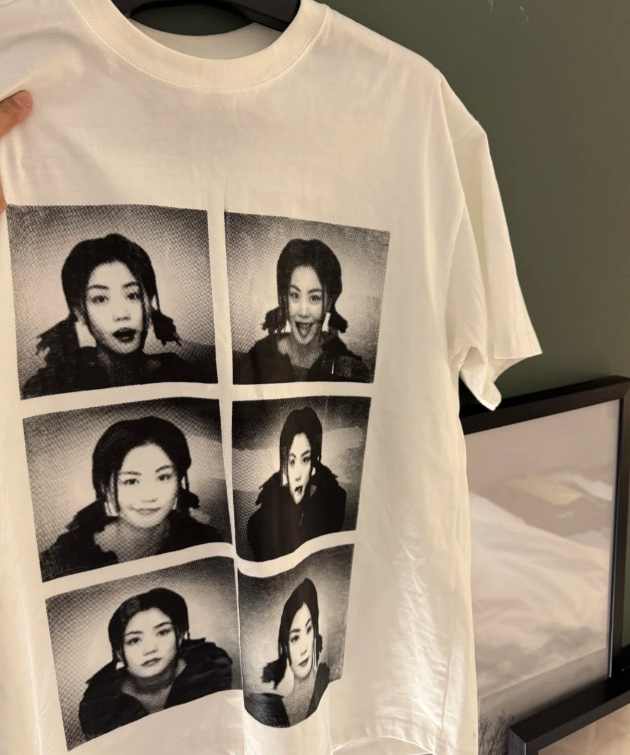
80mesh
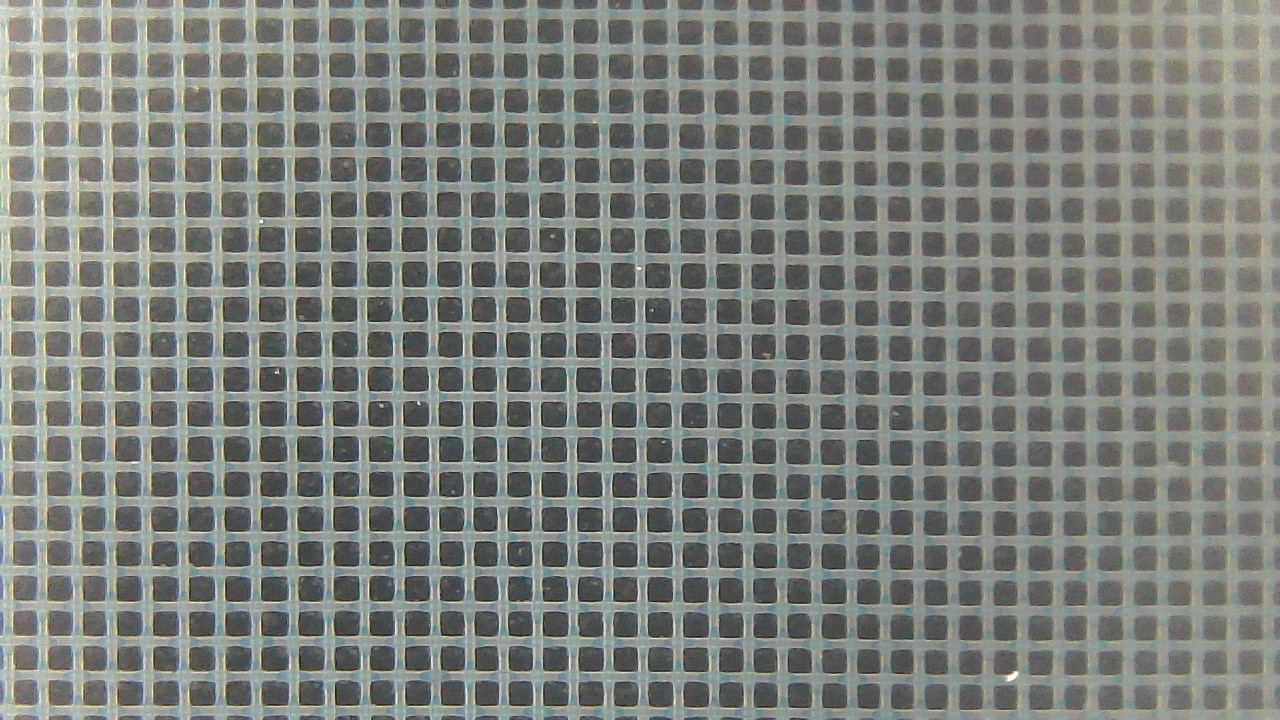
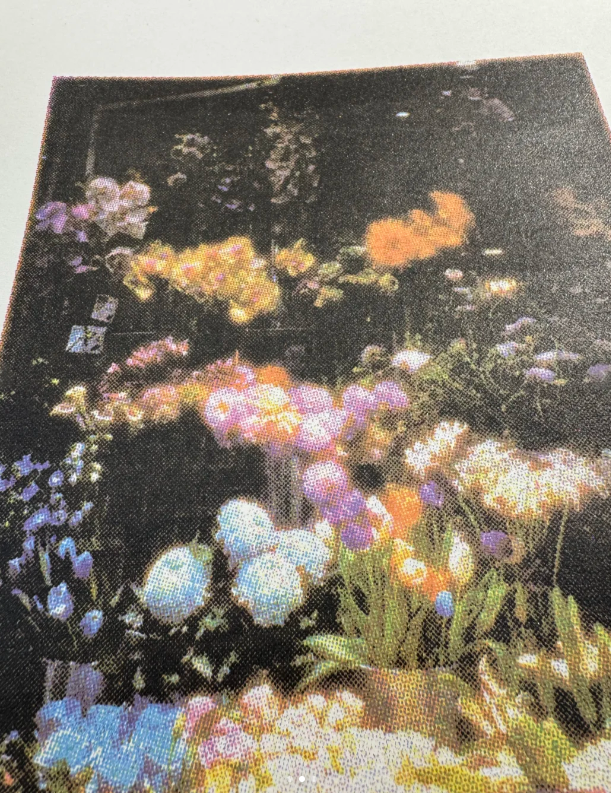
120mesh
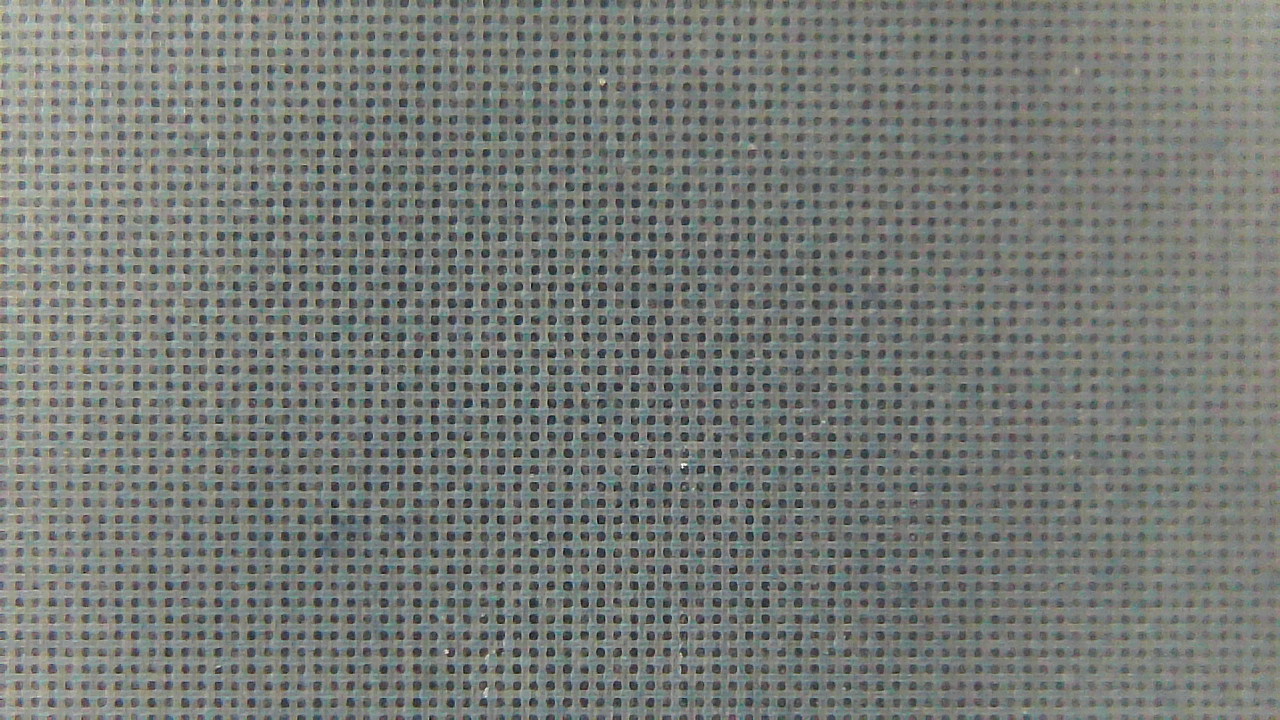
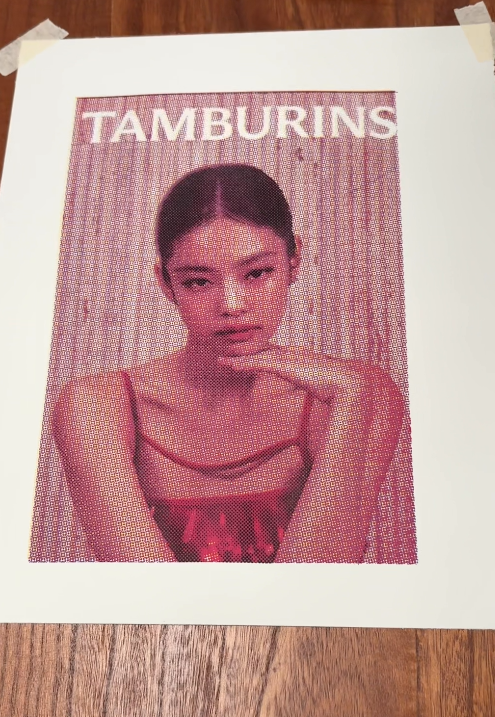
250mesh
1) Quick Cheat Sheet (Save This)
80 mesh
Best for
• bold logos, solid blocks of color
• rough fabrics (hoodies, tote bags, textured cotton)
• thicker inks or when you need heavy coverage
Watch out for
• tiny text and thin lines filling in
• jagged edges on small details
• over-inking (especially on light fabric)
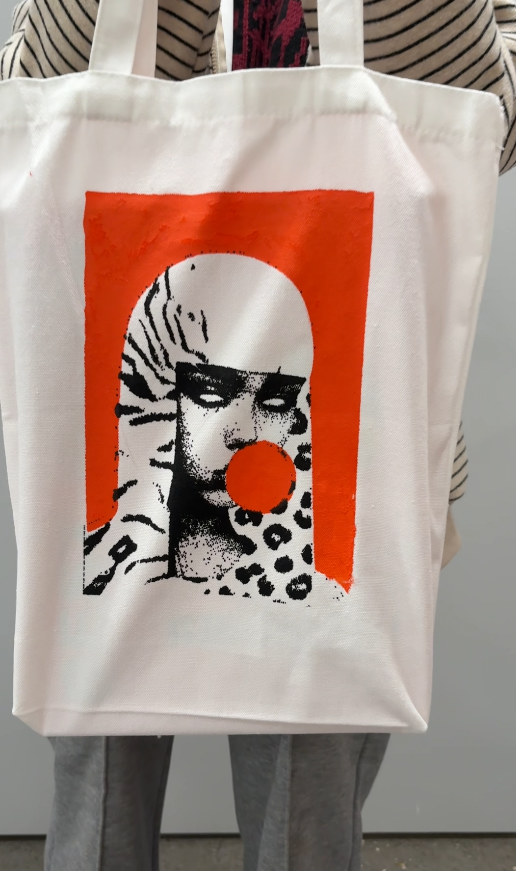
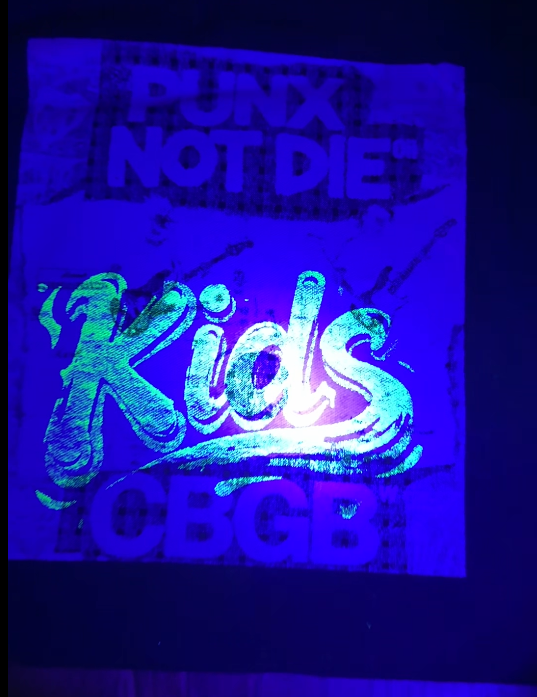
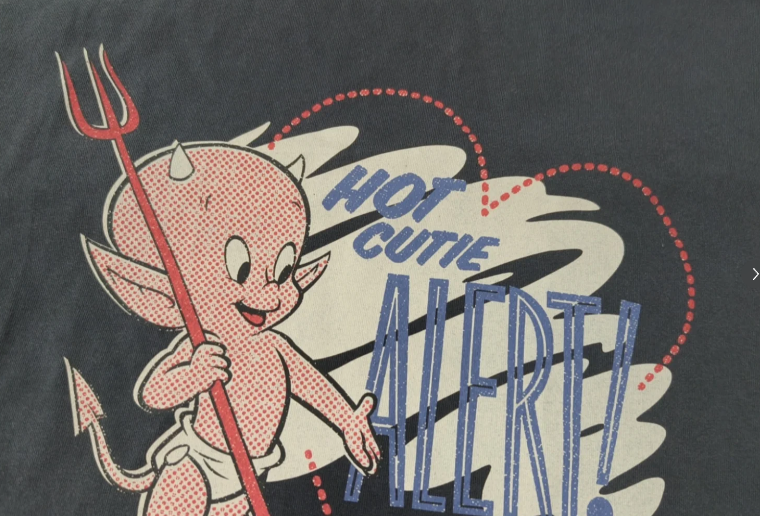
If you print on hoodies/totes and want bold coverage with fewer failed prints, 80 mesh is the easiest win.
120 mesh (The "best default choice" for most beginners)
Best for:
• Most T-shirts (standard cotton)
• Balances coverage and detail
• Suitable for beginners who want a "works for most designs" look without overthinking
Notes:
• Superfine details/halftones may not be as sharp as with higher mesh count screens
• On very rough fabrics, you may need a thicker ink layer (80 mesh screen)
Practical advice: If you can only buy one screen for learning, 120 mesh is the most stable "all-purpose" screen.
250 mesh (Detail Mode)
Best for:
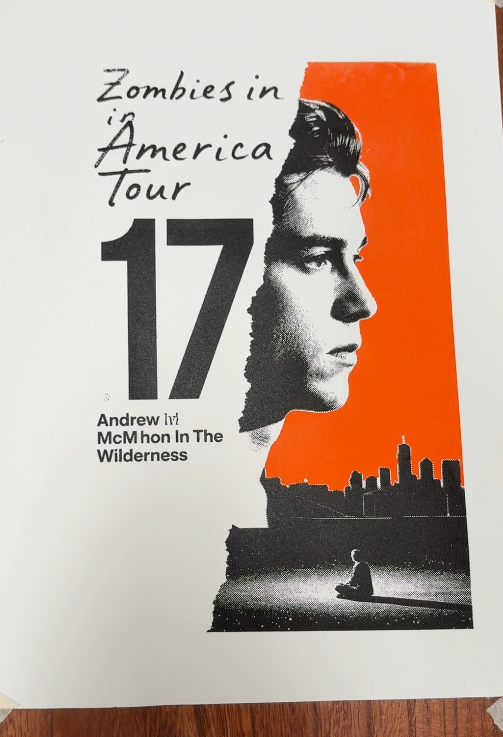
• Fine lines, small text, sharp edges
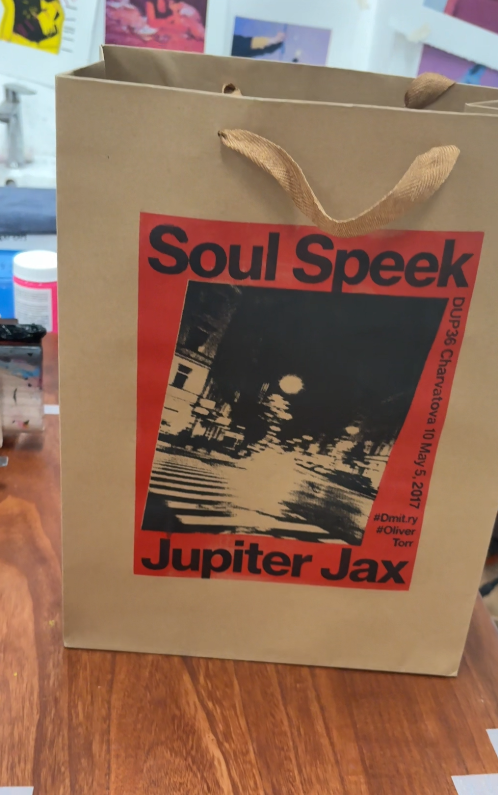
• Smooth substrates (paper, coated surfaces, smooth plastics)
• Thin ink layer/controllable ink layer
Notes:
• Weaker coverage on dark fabrics (too thin ink layer)
• Risk of clogging (especially with water-based inks, if pauses are too long)
• It can negatively impact inconsistent squeegee pressure and slow printing speed
2) Ink System Changes the "Correct" Screen
Staplin (Suitable for beginners)
Staplin dries more slowly on the screen, therefore it has a higher tolerance for error.
Practical Combinations
• 80 mesh → Suitable for heavy fabrics, textured fabrics, and bold color blocks
• 120 mesh → Suitable for most T-shirts and most designs (default)
• 250 mesh → Suitable for fine lines, crisp small print, and smoother substrates
Tip: If the print on a dark T-shirt looks "not sharp enough," don't immediately suspect the ink—it's usually because the screen is too thin (a common reason for using 250 mesh ink on dark fabrics).
Water-based Inks (Dries faster on the screen)
Water-based inks can produce beautiful designs, but require fast and consistent operation.
Practical Combinations
• 120 mesh → The safest starting choice
• 250 mesh → Can produce fine details on paper/smooth surfaces if printing at a fast speed and the ink flows smoothly
• 80 mesh → Can also be used, but the drying speed must be controlled to avoid excessive ink buildup leading to uneven drying
Tip: The biggest enemy when using water-based inks is pause time. If there's a pause, 250-mesh mesh is more prone to clogging.
3) Fabric Texture: A Hidden Variable
Even if your design is simple, fabric texture can change everything.
Rule of thumb:
• Rougher surface → Suitable for lower mesh count + thicker ink layer
• Smoother surface → Suitable for higher mesh count to show details
Easy selection
• Hoodies/Tote bags → 80 mesh and up
• Standard T-shirts → 120 mesh and up
• Paper/Smooth plastic → Consider 250 mesh
4) Design style guide (choose the appropriate mesh count according to the pattern)
Bold logos/Large graphics → 80-120 mesh
Designs with a lot of text
• Medium-sized text → 120 mesh
• Small text/Very sharp edges → 250 mesh (but requires good control)
Halftones/Gradients/Fine patterns → 250 mesh (recommended, but requires practice)
5) Common mesh count mistakes (and solutions)
Mistake A: Using 250 mesh for everything
Result: Weak coverage, especially on dark fabrics; prints look "faded"
Solution: Use a different mesh count Use 120 mesh (or 80 mesh for large-area printing), or change your ink strategy.
Error B: Using 80 mesh screen for small characters
Result: Overfilled letters, rough edges.
Solution: Use 120 mesh or 250 mesh screen, simplify the design, and increase spacing.
Mistake C: Blaming the screen printing plate is actually due to improper squeegee control.
Even a perfect screen printing plate cannot avoid the following problems:
• Excessive pressure
• Inconsistent angles
• The squeegee stops halfway through the stroke
Try this method:
• Slightly reduce the pressure
• Maintain consistency in one stroke
• Do not "scrub" the ink back and forth
6) Recommended initial settings (for small studios and workshops)
If you want beginners to get started quickly:
• Start with an 80-mesh screen (for hoodies/tote bags, eye-catching designs)
• Use a 120-mesh screen as the main working screen (for most T-shirts and most designs)
• You can later add a 250-mesh screen for fine details and smooth substrates
Links in the article:
New to screen printing? Check out this beginner's checklist →
Comment